← AI for Local BusinessOpen the finished build
Build a 24/7 booking form that works on a static site
A booking request should work at 2am with no receptionist. This is a plain HTML form that captures name, phone, and service, then shows an instant same-day confirmation. No backend required to start.
What you need
A text editor and a browser. You can wire it to email or a sheet later.
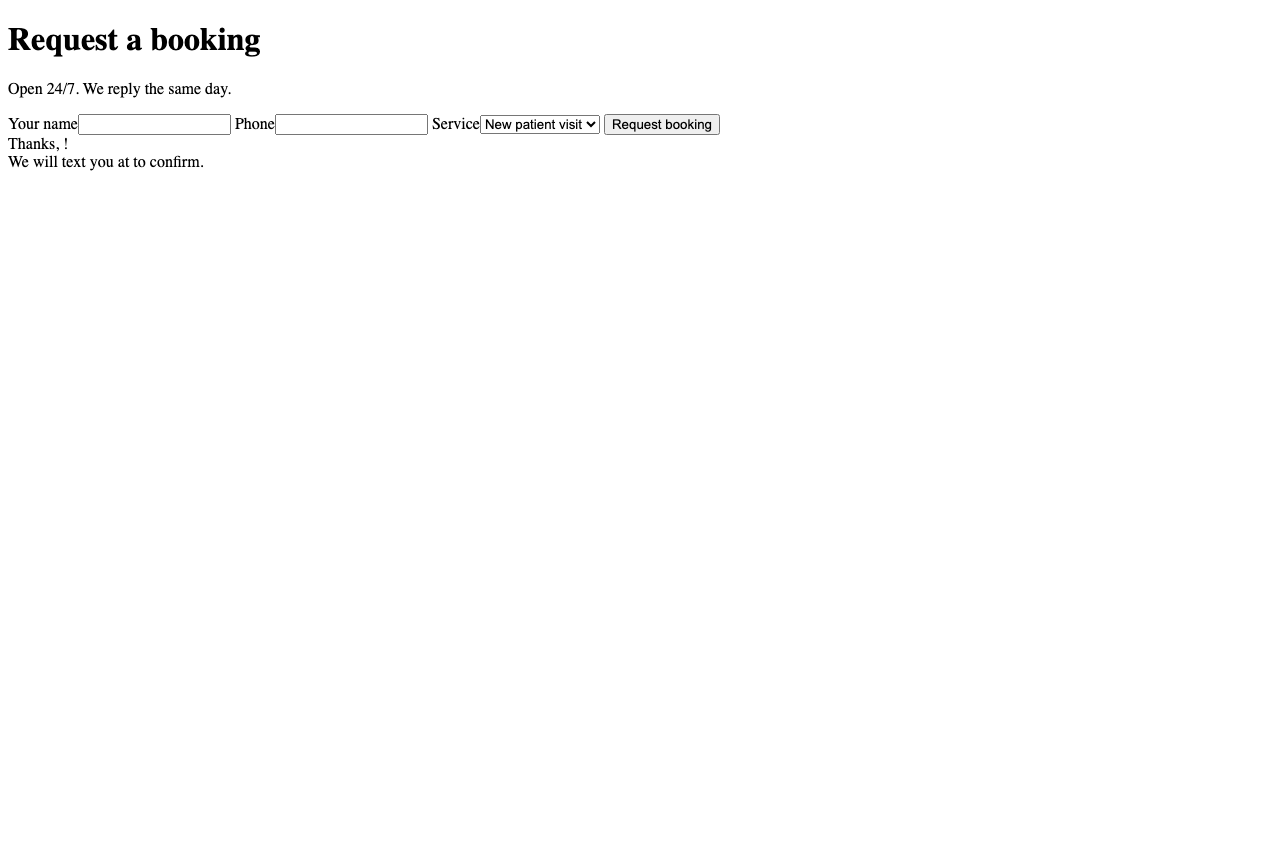
1Create the booking form file
One HTML file with a name field, a phone field, and a service dropdown.
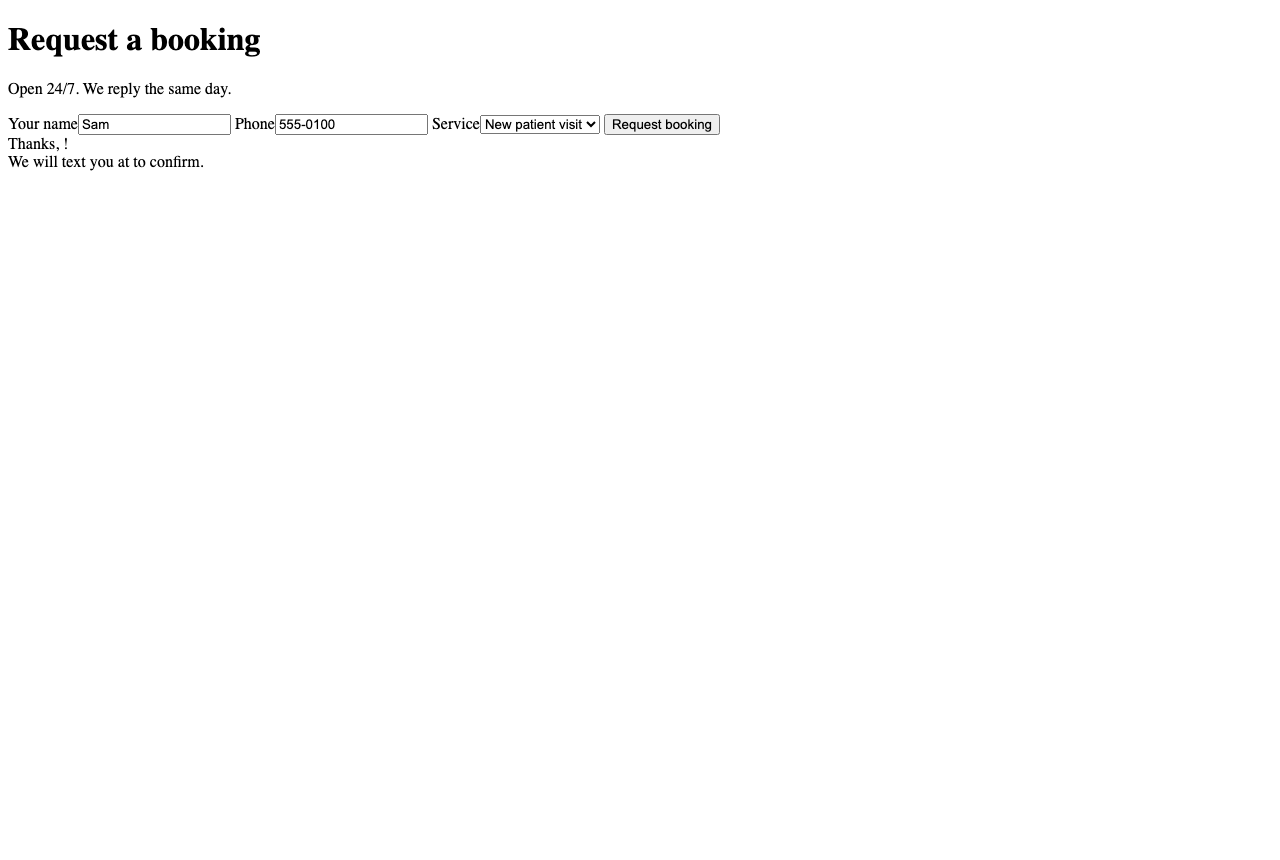
2Fill it like a real visitor
Enter a name and phone the way a customer would after hours.
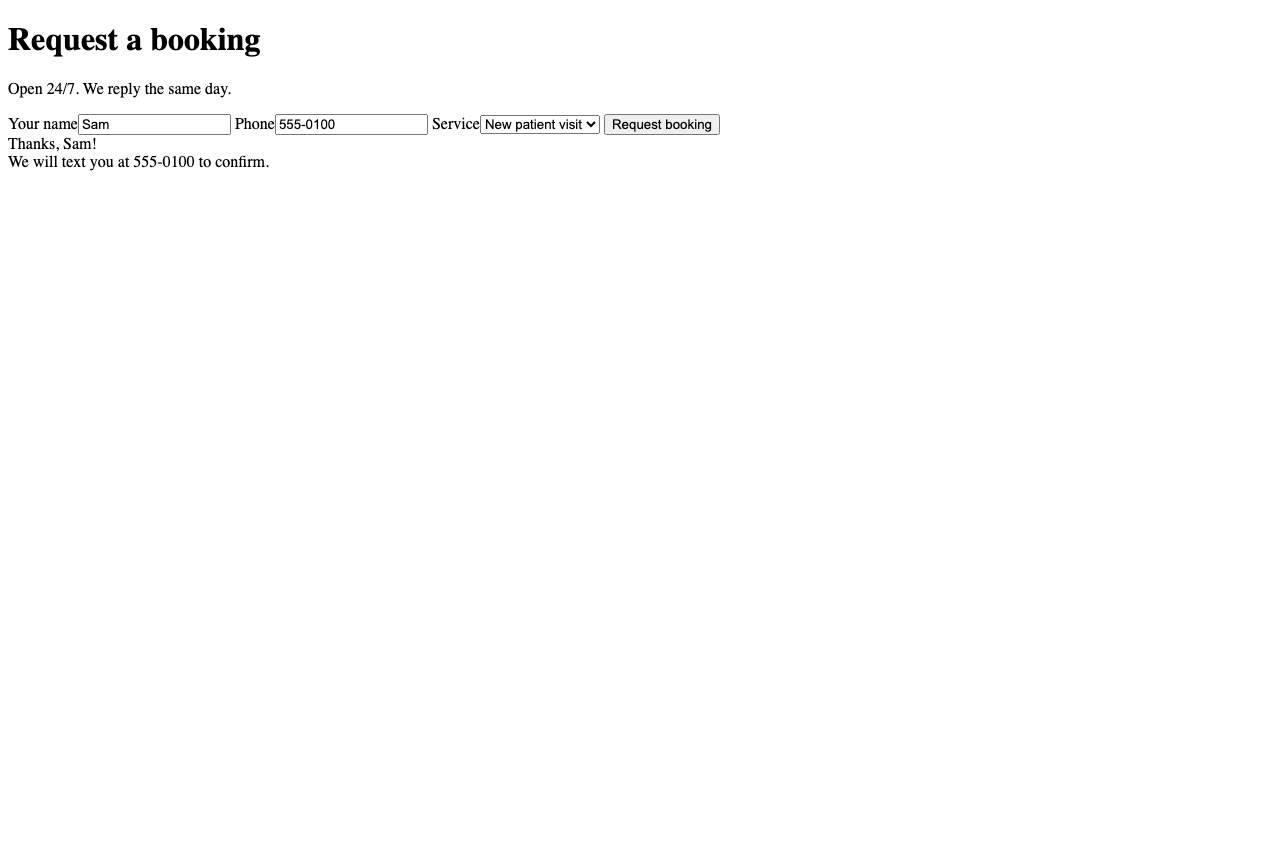
3Show the confirmation
On submit, the visitor sees a clear same-day confirmation so they trust it worked.
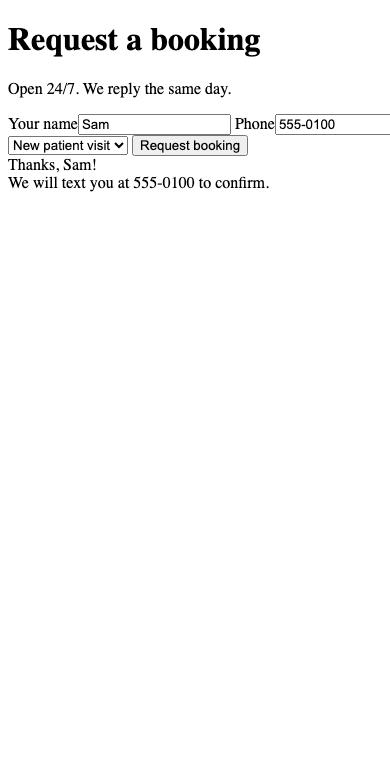
4Confirm it works on mobile
Most after-hours bookings come from a phone, so the form must stay full width and readable.
What can go wrong
Do not hide the confirmation. If nothing visibly happens on submit, people book twice or give up.
Next in pathCatching and replying to missed calls